
How to Create LinkedIn Newsletters for Your Marketing Campaign
Last Refreshed: March 2026 with updated statistics and tool information.
When we think about business connections and professional communication, usually, LinkedIn comes to mind first. It’s the most popular B2B networking tool that connects peers, colleagues, and leaders all around the world.
We know that it works: You can center your social media efforts around it, create posts, or reach out to potential customers. But lately, there’s been another function to explore—LinkedIn newsletters.
A mix of blogging and social media perks that can engage an audience for the benefit of your business does sound intriguing, doesn’t it?
Let’s look at newsletters on LinkedIn, how to use them, and why they can be a refreshing new way to reach your target audience and fulfill your marketing needs.
What Are LinkedIn Newsletters?
A LinkedIn newsletter works as any other email newsletter: You publish content dedicated to a certain topic, and it goes out to your audience with a notification.
One significant difference is that all of this happens on the LinkedIn platform.
A LinkedIn newsletter allows you to build and grow an actively engaged audience, raise your brand awareness, and manifest the value of your knowledge to potential customers.
When you invite all of your connections to subscribe to your LinkedIn newsletter, they will get in-app, email and web push notifications, and email notifications about all of your new content.
Why Are LinkedIn Newsletters Important?
As a marketer, you should never let an opportunity go by to grow your audience, and that’s already reason enough to consider creating a newsletter on LinkedIn. However, there’s more:
1. It works on a “viral” principle.
Due to the social media algorithm, the more people engage with your content, the more often your content will be seen. Do you notice that sometimes you can see one LinkedIn post featured through many of your other connections? That’s because as soon as one person reacts to a post, it gets a whole new audience, and the reach of your content grows.
2. It refines your audience.
Despite having a wider reach and the possibility to become viral, newsletters can also get you a more invested audience. While a regular post can be ignored and forgotten, people who subscribe to your newsletter care about your content. If they care enough to receive notifications, they will take the time to read, engage, and share your content.
3. It can establish your thought leadership.
Among the key factors in the buying decisions are trust, credibility, and authority of the company. One of the ways to achieve that is through thought leadership. Creating valuable content that constantly gets shared (first point) among your niche (second point), is precisely what you need to establish yourself as a knowledgeable service provider.
Planning a LinkedIn Newsletter
If any of the benefits highlighted are among your marketing priorities, then you’ve got to start planning. Before actually creating a newsletter, ask yourself the following questions:
What are your goals?
To arrange any marketing activity and then measure its effectiveness, think about what you want to achieve with it. Do you want to generate leads? Raise brand awareness? Or spread the word about your new product? Think of it, define your main goal, and establish the KPIs you’ll need to track.
What is the value for your audience?
Besides your plans for the newsletter, the content will involve your audience, colleagues, and potential customers. So think of the most considerable value that you can bring to the table. What will make you stand out and your followers stop to read it?
What topics should you cover?
Once you’ve defined your goals and audience needs, you can then create a content plan. One of the benefits of newsletters is that you can use them to promote the content you’ve already created. This is also where you should do deep market research to see what is buzzing and trending nowadays.
How to Access the LinkedIn Newsletter
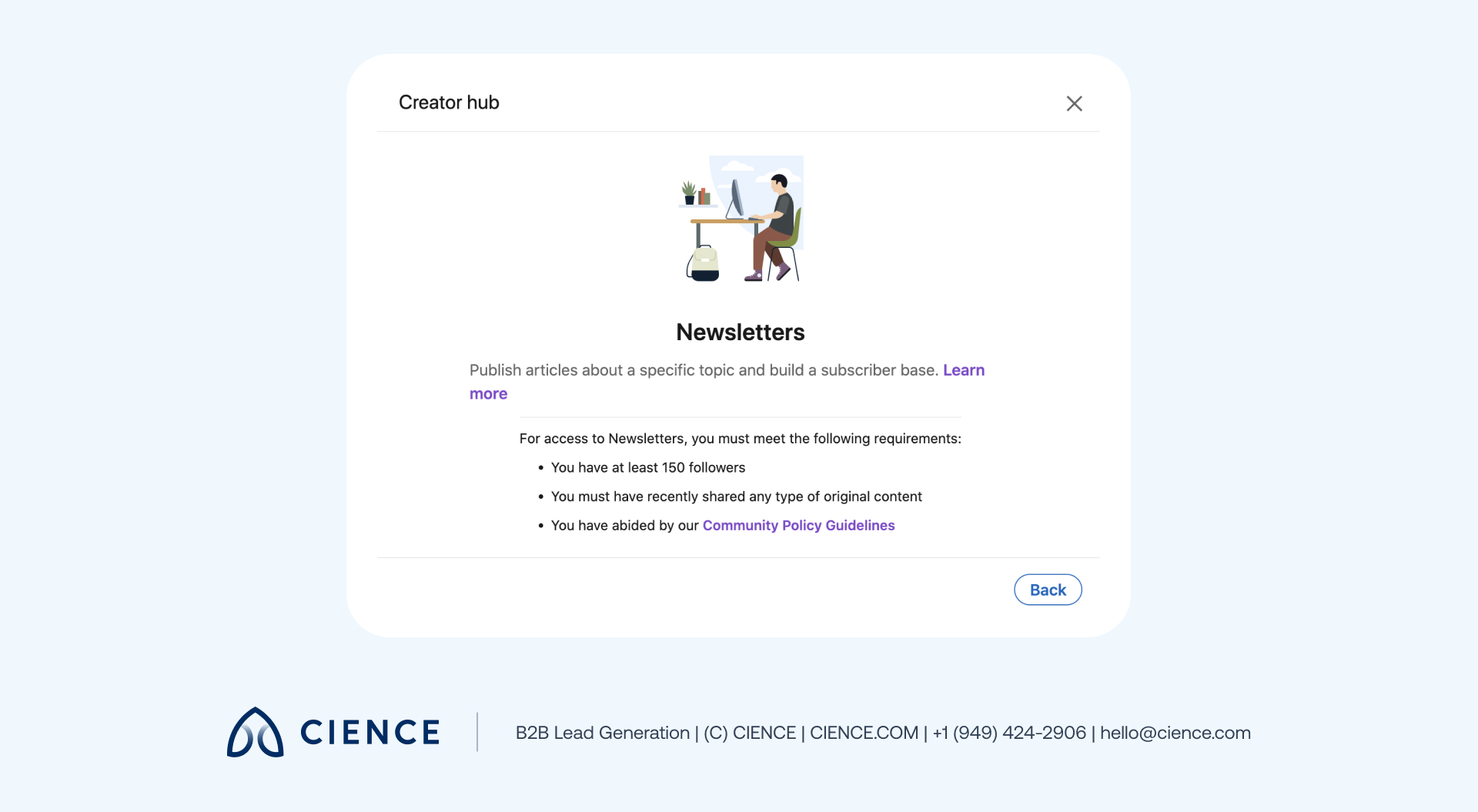
First, you’ll need to check to see if you have the newsletter access with a creative mode based on the following criteria:
- More than 150 followers and/or connections
- Recent shares of any type of original content
- A history of abiding by LinkedIn’s Professional Community Policies
Note: Since the LinkedIn newsletter product is just rolling out, not everyone may have the access to it now. In this case, just circle back a few weeks later to see if it is available to you.
To find out if you have access:
1. Go to the Creator hub to turn on creator mode:
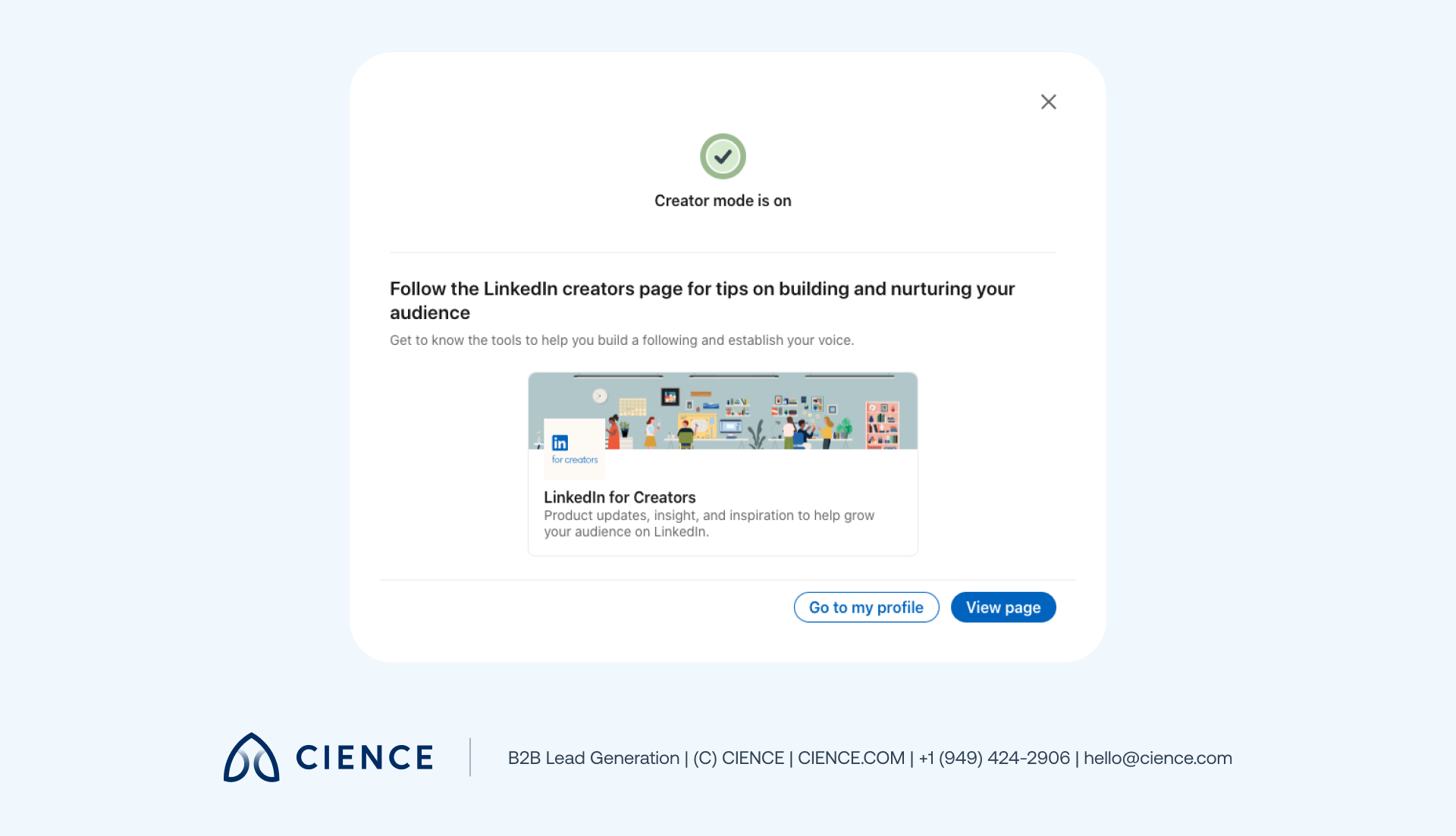
2. Click View page. If you have creator tool access, you will see the Creator tools section in the Creator hub:
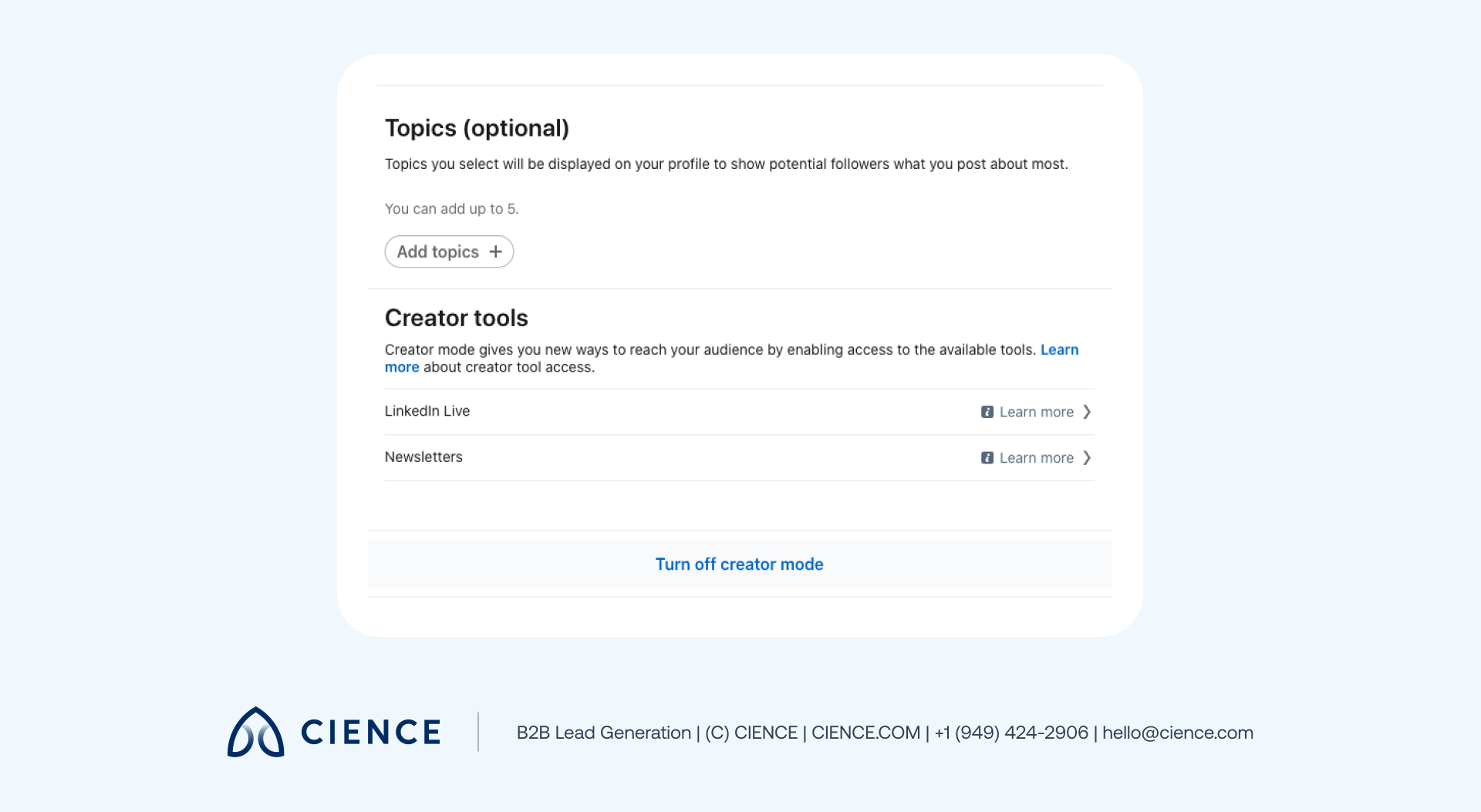
If you see the Creator tools section and you meet the newsletter access criteria, it will say Available next to Newsletters. If you do match the parameters, you must go back to fulfill the necessary requirements.
How to Create a LinkedIn Newsletter
Once creator gates are open, it only takes a few steps to construct a newsletter:
-
Make sure Creator mode is on and go to the Creator hub.
-
Your newsletter title will then appear in the upper-right corner of the page and be saved for future posts.
-
Now, you can write your first article. When you are ready to publish, add a cover image and click Publish in the top right of your screen.
A window will pop up for you to add info such as what the newsletter article is about, ask questions of your readers, add #hashtags, etc.
-
Click Post to share your newsletter in the feed.
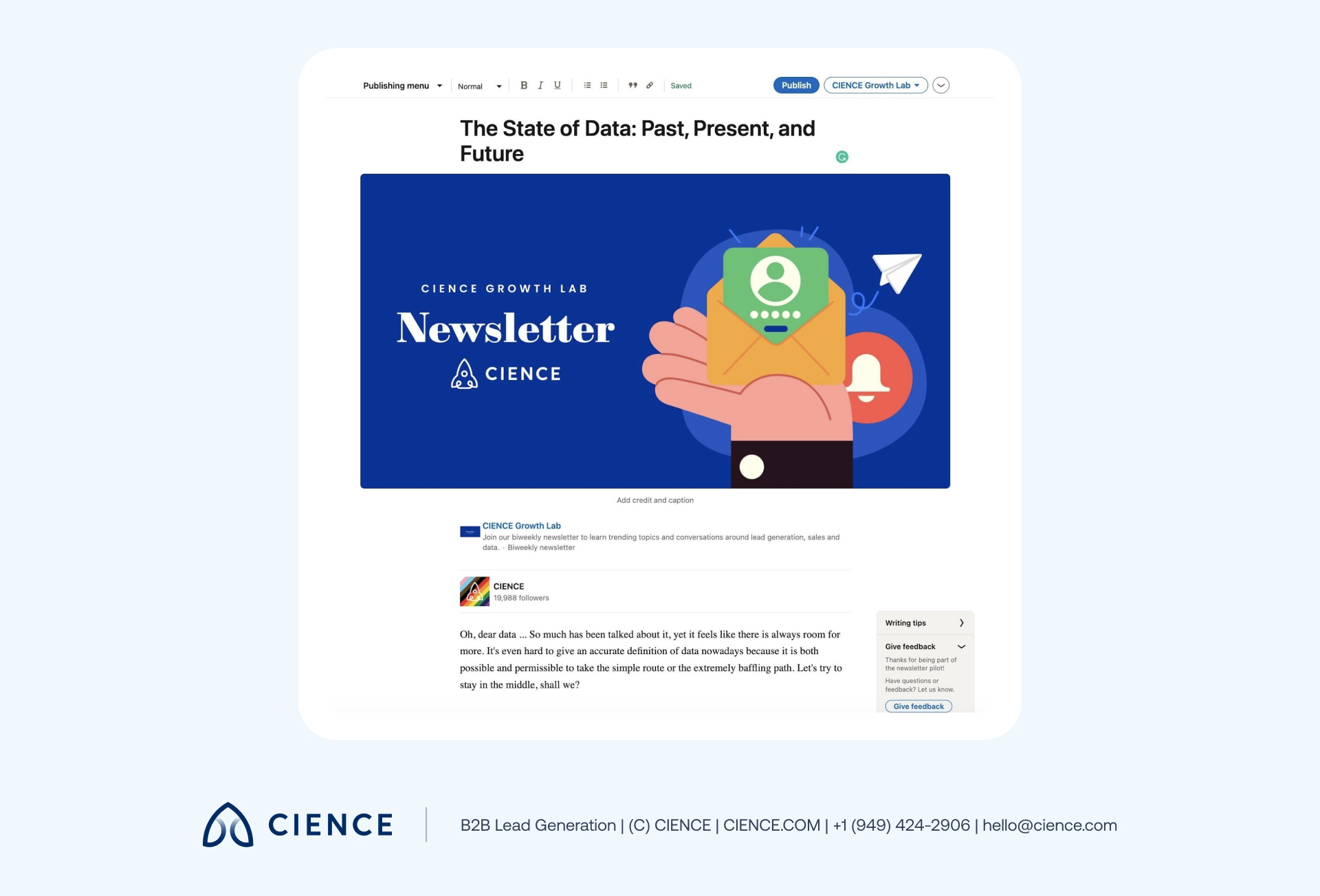
To publish a new article for your newsletter, click Write an article and repeat the steps above. You’ll now see the newsletter title next to the Publish button on your screen:
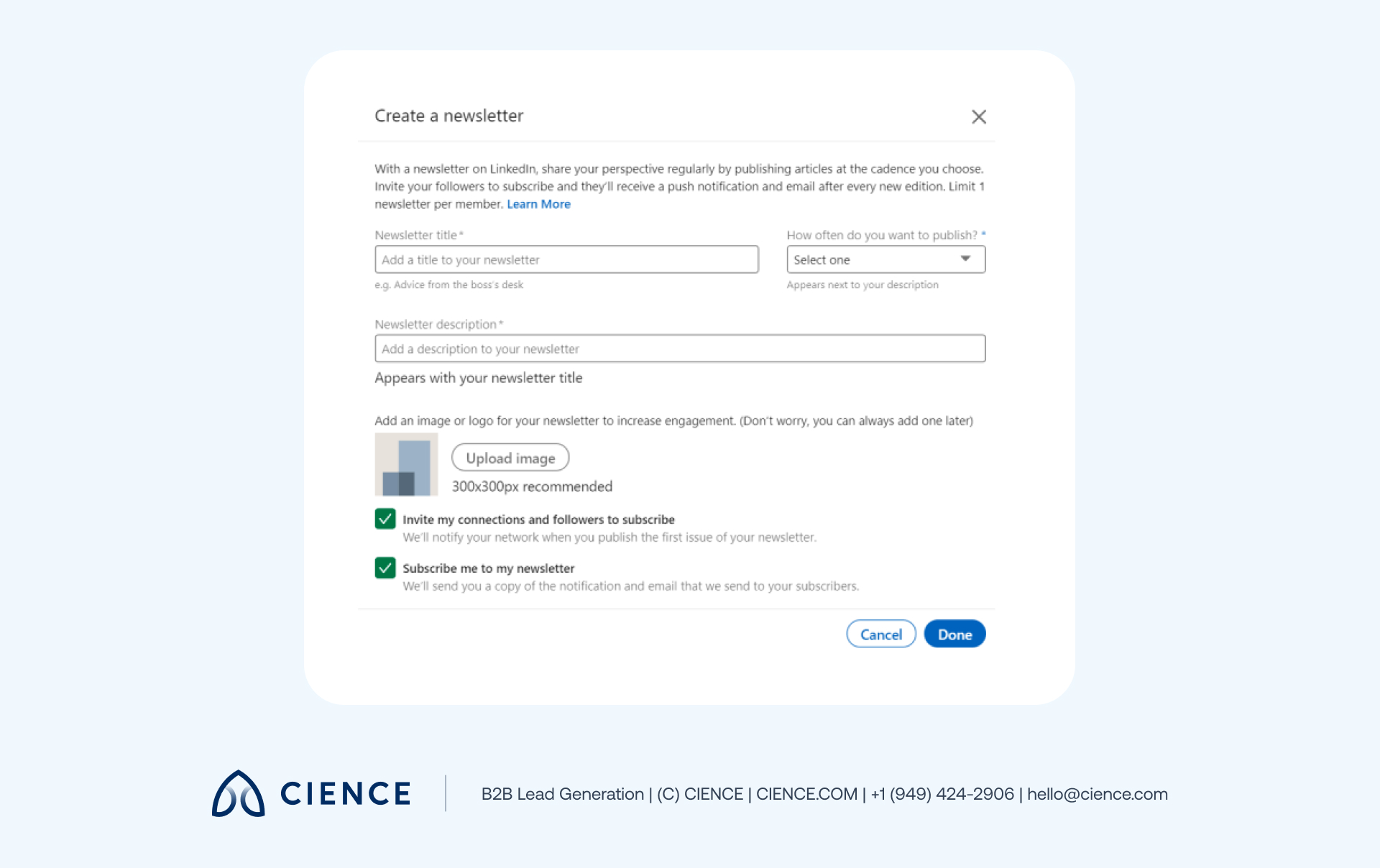
Click Create a newsletter in the toolbar. Choose a title and when you want to publish, add a description and logo, and click Done.
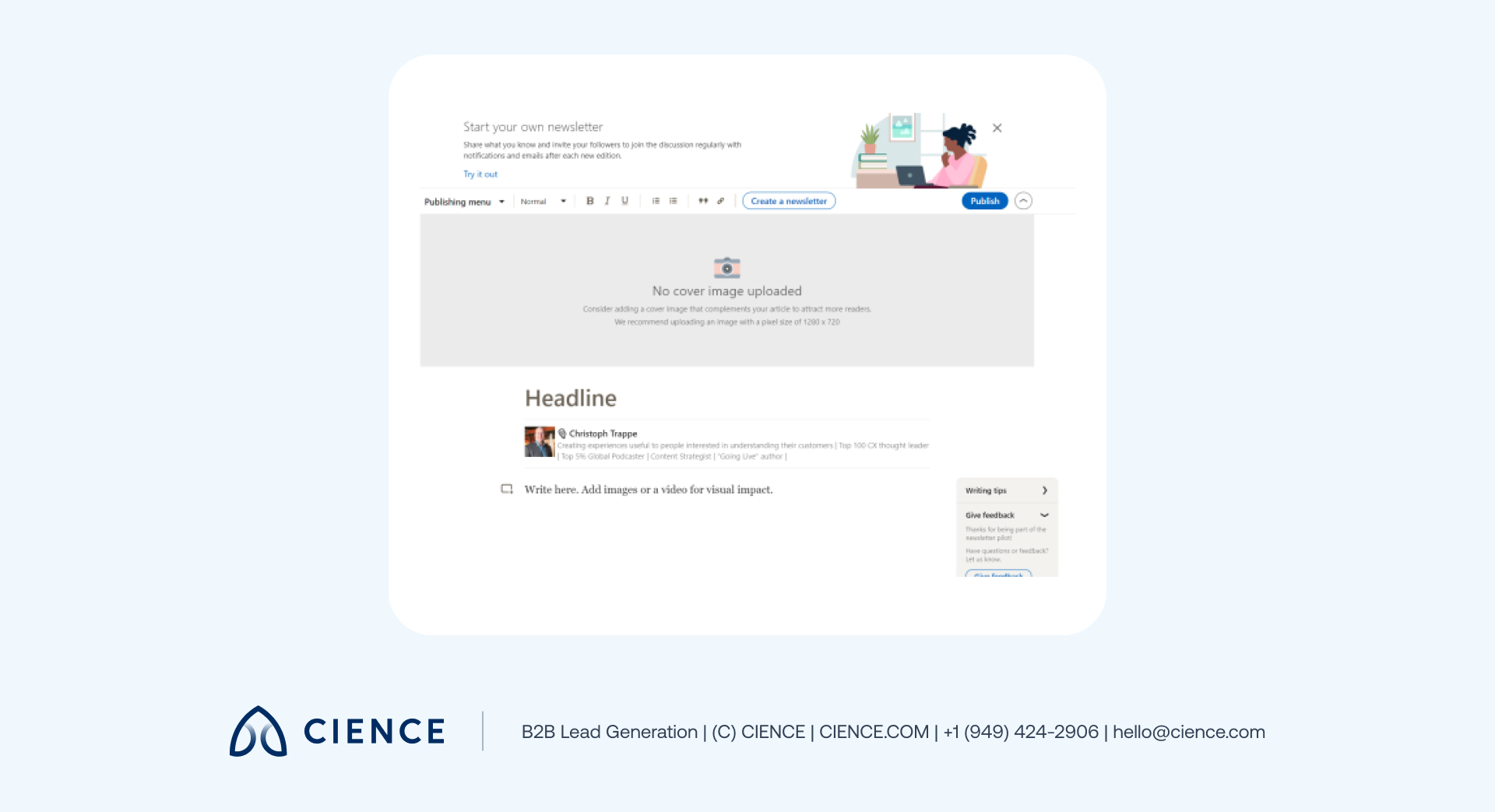
Click Write an article at the top of the home page to access the publishing tool.
You can publish a maximum of one article daily and maintain only one LinkedIn newsletter at a time; you can also tag people or add hashtags. By default, your followers and connections will get an invitation to subscribe:
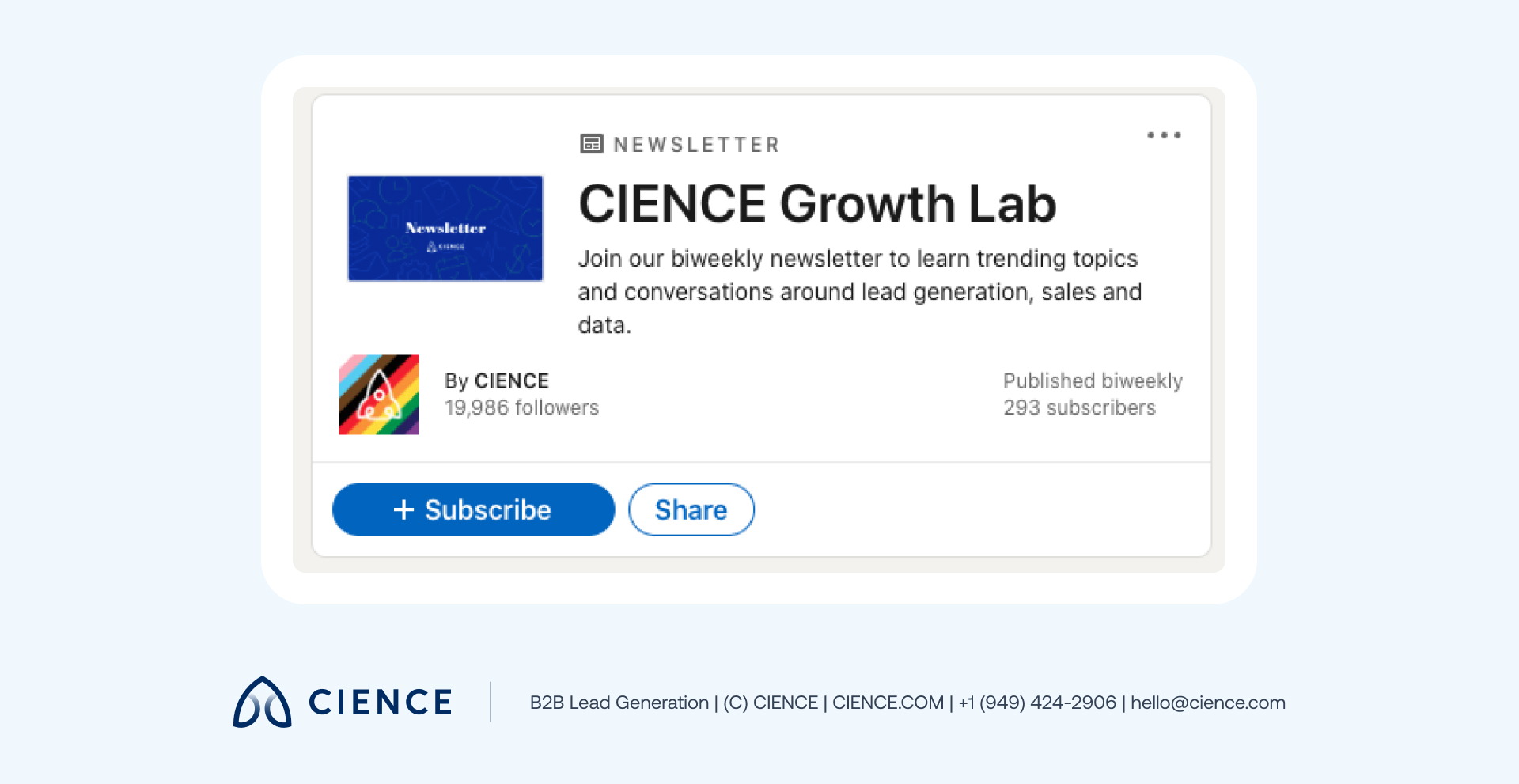
Note: You can create a newsletter on LinkedIn as yourself or as a separate page. If you want to do it as a page, you must be a super or a content admin.
LinkedIn Newsletter Tips
Although the bigger part of your newsletter’s success depends on the quality of the content you post, there are some technical things you can do to maximize your efforts:
- Choose the right name. The name of your LinkedIn newsletter should reflect what content your audience should expect, but it also can be used to stand out and intrigue your audience.
- Pay attention to the design. Visual representation of your content is a very important factor when it comes to design: Upload a logo for your newsletter and use high-resolution images that correspond with your corporate style.
- Engage your audience. What’s the point of having a social media newsletter and not utilizing every feature it’s got? Tag people, use hashtags, ask questions, and encourage your audience to reply in the comments section of the article.
- Post regularly. In content production, being consistent is vital. Decide what is the most optimal cadence both for your content creators and your followers. Besides cadence, timing should be appropriate—make sure you post during the hours with the highest activity among your subscribers.
Top 4 LinkedIn Newsletter Examples
If you feel like you need some extra inspiration to start your LinkedIn newsletter, we’ve chosen three existing ones that have proven to be very successful:
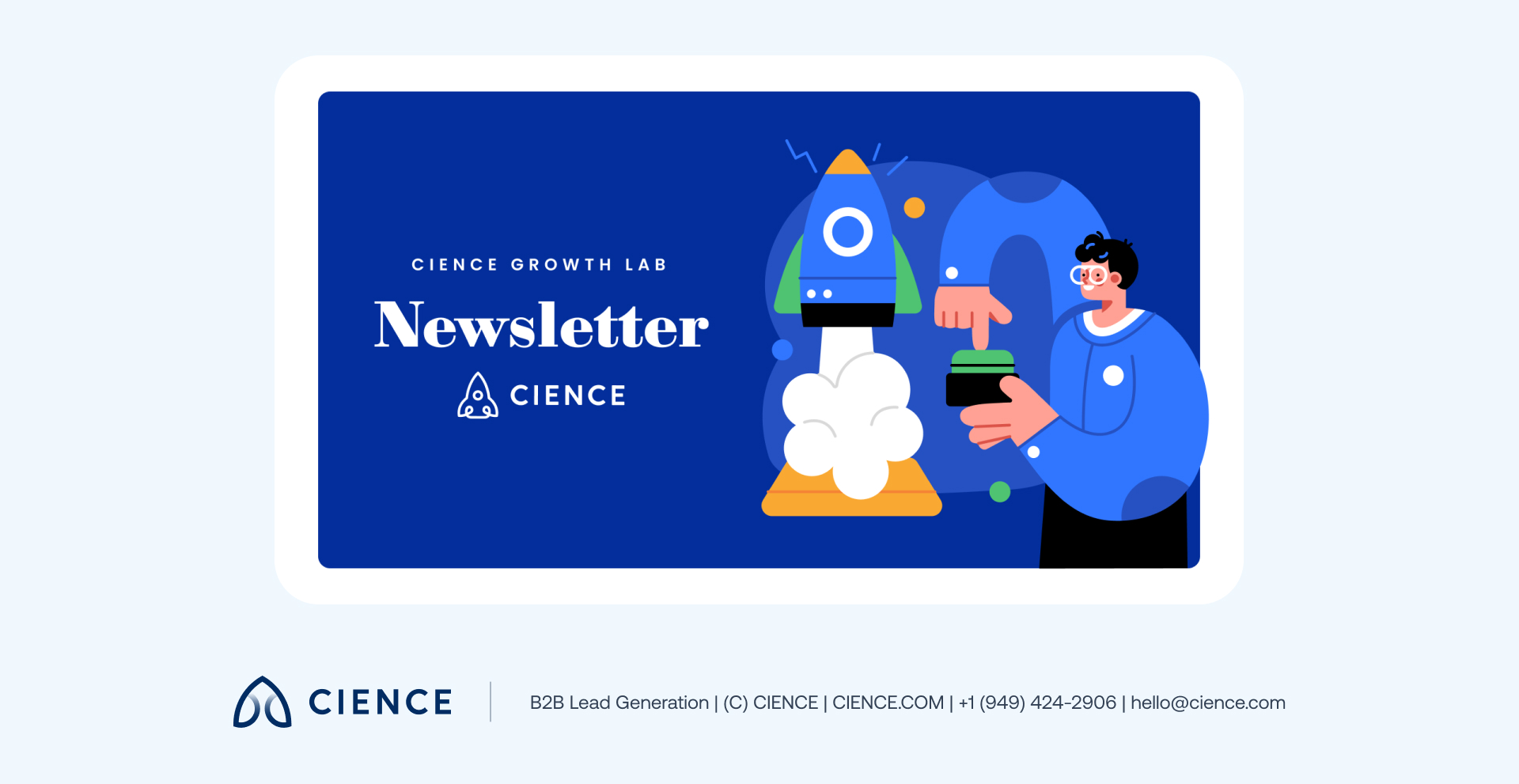
1. CIENCE Newsletter
CIENCE’s thought leadership penetrates every aspect of our marketing strategies, so no wonder that we’ve hopped on this LinkedIn opportunity as well. Our newsletter focuses on data solutions, lead generation, current marketing trends, and our unique expert perspective on all of it.
2. Bob Glazer: Elevate
This LinkedIn newsletter with over 300K followers focuses on “leadership, building capacity, and reaching potential.” Every week, Bob shares his insights on business, psychology, brain capabilities, and how the way we think is connected to our success. Besides that, he covers topics that are the talk of the hour (like the analysis of the marketing ROI collapse that happened last year).
3. Gary Vaynerchuk’s Blog
Gary Vaynerchuk is an entrepreneur at heart, a public speaker, and a writer. He is so widely known for his drive and ambition that it’s enough to name the newsletter after him. Over 50K followers know that they will get to learn about new trends in the business world and Gary’s take on it.
4. Joseph Milord: The Hustle
An editor at LinkedIn News, Joseph Milord takes a highly targeted approach for this newsletter: The Hustle is predominantly for the frontline workers, and it covers the topics that bring the most value to them. He speaks on current problems, presenting the information in a concise manner.
Enhance Your Email Marketing With LinkedIn Newsletters
While we are used to traditional marketing strategies like advertising, blogging, and emailing (all of which do work), it’s always good to explore other options. If you feel like your approach needs refreshing, a LinkedIn newsletter may be that creative outlet you’ve been looking for.
It combines the benefits of blogging, social media features, and carefully curated targeting. It is perfect for manifesting your thought leadership and providing valuable content to your audience.